
Unleash Your Switch's Full Potential: 60FPS in Handheld Mode!
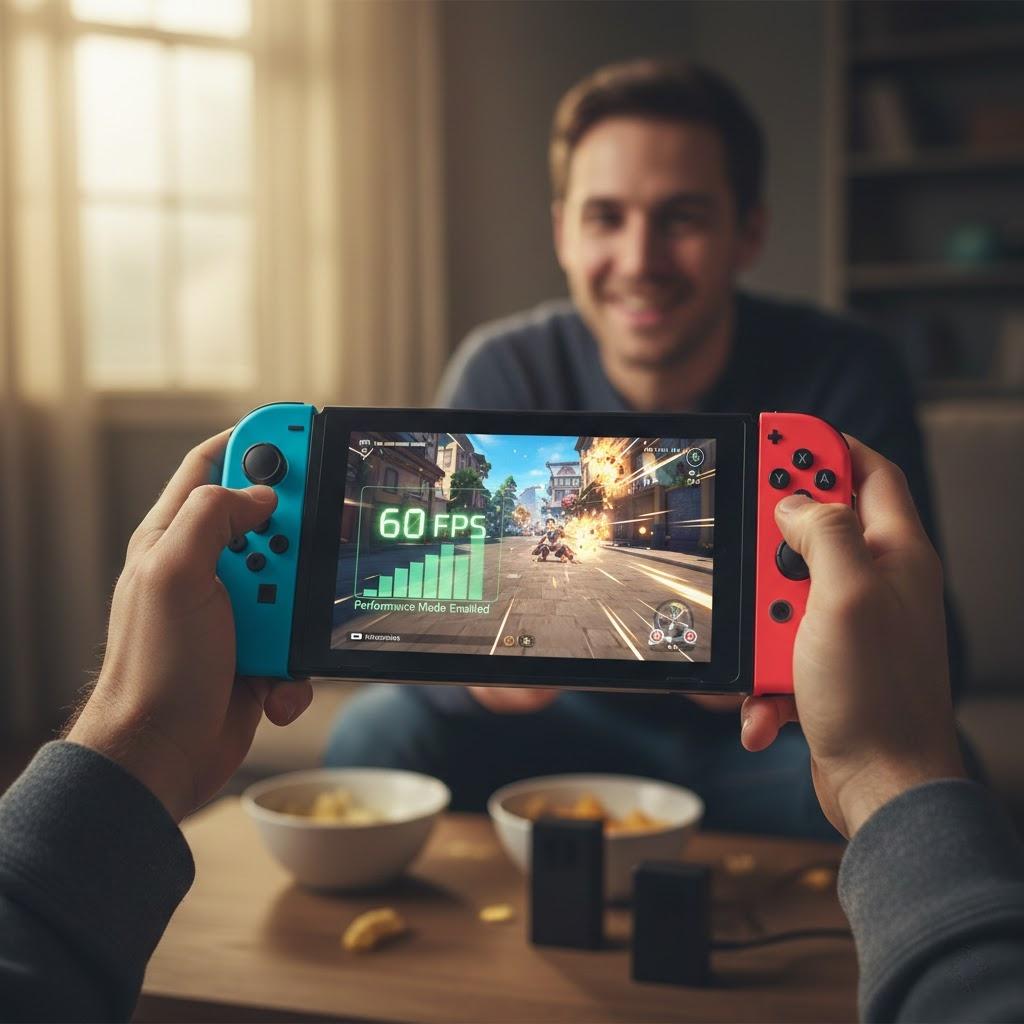
Are you a Nintendo Switch gamer who craves smoother, more responsive gameplay, even when you're on the go? You're not alone! While the Switch is a fantastic console, some games can feel a little sluggish in handheld mode, often capped at 30 frames per second (FPS). But what if we told you there's a way to unlock a silky-smooth 60FPS experience, transforming your handheld gaming?
This professional post will guide you through the process of enabling "Performance Mode" on your Nintendo Switch, allowing you to enjoy select titles at a glorious 60FPS, even when undocked. Get ready to elevate your gaming experience!
Why 60FPS Matters for Handheld Gaming
For many gamers, 60FPS isn't just a luxury; it's a game-changer. Here's why:
-
Smoother Visuals: Higher frame rates result in a more fluid and natural motion on screen. This is especially noticeable in fast-paced action games, where every frame counts.
-
Reduced Input Lag: While not always directly tied to FPS, a higher frame rate can contribute to a more responsive feel, making your inputs register more quickly and precisely.
-
Enhanced Immersion: A smoother presentation can pull you deeper into the game world, making the experience feel more realistic and engaging.
-
Competitive Edge: In multiplayer titles, seeing and reacting to action faster can give you a significant advantage over your opponents.
Enabling Performance Mode: A Step-by-Step Guide
While Nintendo doesn't have a universal "Performance Mode" toggle in the system settings, many games offer their own in-game options to prioritize frame rate over graphical fidelity. Here's how to typically find and enable them:
-
Launch the Game: Start the game you wish to optimize for 60FPS.
-
Access Game Settings: Once in the game, navigate to its main menu or options screen. Look for sections like "Display," "Graphics," "Video," or "Performance."
-
Locate Performance/Frame Rate Options: Within these settings, you'll often find options related to "Frame Rate," "Performance Mode," "Quality Mode," or "Resolution."
-
Prioritize Frame Rate: Select the option that favors "Performance," "Frame Rate," or a higher FPS target (e.g., 60FPS). This might involve lowering resolution, shadow quality, or other visual effects.
-
Save Changes: Don't forget to save your changes before exiting the settings!
Important Note: Not all games offer a 60FPS option in handheld mode. This feature is dependent on the game developer's optimization. However, many popular titles, especially those released more recently or with dedicated "performance" patches, do provide this fantastic enhancement.
Popular Games Supporting 60FPS in Handheld Mode
While the list is constantly growing, some notable titles that offer a significantly improved 60FPS experience in handheld mode include:
-
DOOM (2016): A technical marvel on the Switch, offering a fluid experience.
-
The Witcher 3: Wild Hunt (with performance patches): CD Projekt Red did an incredible job optimizing this massive RPG.
-
Many indie titles: Often, indie developers prioritize smooth gameplay, making many of their games run at 60FPS.
-
Specific fighting games and racing games: These genres often benefit most from higher frame rates and are frequently optimized for them.
Expert Tips for Optimizing Your Handheld Experience
-
Keep Your Switch Updated: Nintendo frequently releases system updates that can improve overall performance and stability.
-
Check for Game Patches: Game developers often release patches that include performance optimizations. Always ensure your games are up to date.
-
Use a High-Quality MicroSD Card: While not directly affecting FPS, a faster MicroSD card can reduce load times, improving the overall gaming experience.
-
Monitor Battery Life: Running games at 60FPS will generally consume more battery. Be mindful of this during longer play sessions.
Unlocking 60FPS in handheld mode can truly revolutionize your Nintendo Switch gaming. By taking a few moments to adjust in-game settings, you can enjoy a smoother, more responsive, and ultimately more immersive experience wherever you play. Dive in and see the difference for yourself!

 English (US)
 Arabic
 French
 Spanish
 Portuguese
 Deutsch
 Turkish
 Dutch
Dutch
 Italiano
 Russian
 Romaian
 Portuguese (Brazil)