
Unlocking True 8K on Your PS5 Pro: A Deep Dive into Setup and Supported Titles
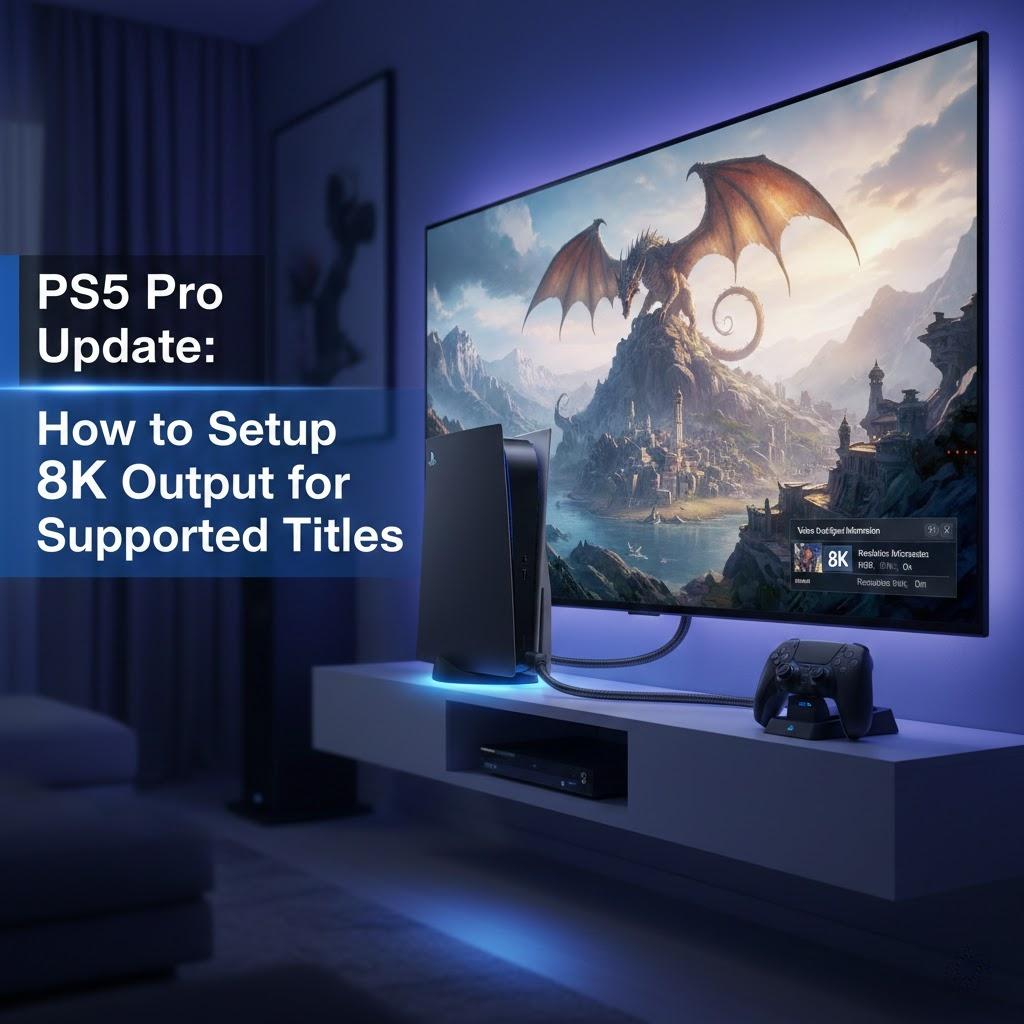
The arrival of the PS5 Pro has gamers buzzing, and for good reason! While the original PS5 flirted with 8K, its successor is truly designed to deliver on that promise. But simply plugging in your console won't magically unlock the full potential. To truly experience breathtaking detail and unparalleled clarity, a proper setup is key. This professional post will guide you through optimizing your PS5 Pro for 8K output, ensuring you're ready to dive into supported titles with the visual fidelity they deserve.
Experience the Difference: Why 8K Matters
Before we jump into the "how," let's briefly touch on the "why." 8K resolution boasts four times the pixel count of 4K, translating to an incredibly sharp and detailed image. For large screens, the difference is immediately noticeable, offering an immersive visual experience that brings game worlds to life with unprecedented realism. Think crisp textures, refined edges, and a sense of depth that elevates your gameplay. With the PS5 Pro's enhanced hardware, including a more powerful GPU and faster memory, the console is equipped to render these demanding visuals efficiently.
The Essential Setup: Getting Your PS5 Pro Ready for 8K
Achieving true 8K output on your PS5 Pro requires a few crucial components and settings. Don't skip any steps – each plays a vital role in ensuring a seamless and stunning visual experience.
1. The Right Display is Non-Negotiable:
First and foremost, you need an 8K-compatible TV or monitor. This isn't just about having an 8K resolution panel; it also needs to support HDMI 2.1. HDMI 2.1 is essential for transmitting the massive bandwidth required for uncompressed 8K video at higher refresh rates (up to 120Hz, though 60Hz is more common for 8K gaming currently). Check your display's specifications carefully.
2. High-Quality HDMI 2.1 Cable:
Forget those old HDMI cables! You absolutely need a certified "Ultra High Speed" HDMI 2.1 cable. These cables are designed to handle the increased bandwidth without signal degradation. Investing in a good quality, shorter cable can further minimize potential issues.
3. PS5 Pro System Settings Optimization:
Once everything is physically connected, it's time to delve into the PS5 Pro's system settings.
-
Navigate to Settings > Screen and Video.
-
Video Output Information: Here, you should see "8K" listed under your resolution if your display and cable are correctly identified. If not, troubleshoot your connections.
-
Resolution: Select "Automatic" or manually set it to "8K." Automatic is usually the best bet as it allows the console to negotiate the optimal resolution with your display.
-
HDR: Ensure HDR (High Dynamic Range) is enabled if your TV supports it, as it significantly enhances contrast and color vibrancy.
-
VRR (Variable Refresh Rate): If your 8K TV supports VRR, enable it. This helps eliminate screen tearing and provides a smoother gaming experience, especially when frame rates fluctuate.
4. Game-Specific 8K Modes:
It's crucial to understand that not all games will run natively in 8K. Developers will often implement specific "8K Performance" or "8K Quality" modes that leverage the PS5 Pro's power. Always check the in-game display settings for these options. Some titles might use intelligent upscaling techniques to achieve an 8K-like experience, which can still look fantastic.
Supported Titles: Where to Experience True 8K Gaming
While the list of natively supported 8K titles will grow, a few key games are already optimized or are expected to be optimized for the PS5 Pro's 8K capabilities. Keep an eye on developer announcements for patches and updates.
-
Expected Launch Titles/Early Adopters: Look for visually demanding first-party titles and graphically rich third-party games to be among the first to offer true 8K modes. Titles known for pushing graphical boundaries are prime candidates.
-
Remasters and Re-releases: Older games receiving PS5 Pro enhancements are also likely to include 8K options, allowing you to revisit classics with stunning clarity.
Pro Tip: Always check reliable gaming news outlets and the PlayStation Blog for the latest information on 8K-enabled games and updates.
Trust Your Setup: Ensuring a Flawless 8K Experience
Achieving a truly stunning 8K gaming experience on your PS5 Pro is a rewarding endeavor. By meticulously following these setup guidelines, you're ensuring that your console, display, and games are all working in harmony to deliver the highest possible visual fidelity. The experience, when done right, is undeniably next-level. Enjoy the future of gaming!

 Arabic
 French
 Spanish
 Portuguese
 Deutsch
 Turkish
 Dutch
Dutch
 Italiano
 Russian
 Romaian
 Portuguese (Brazil)
 Greek
Greek