
The Ultimate Buyer's Guide: Finding the Cheapest 4K 144Hz Gaming Monitor in 2026
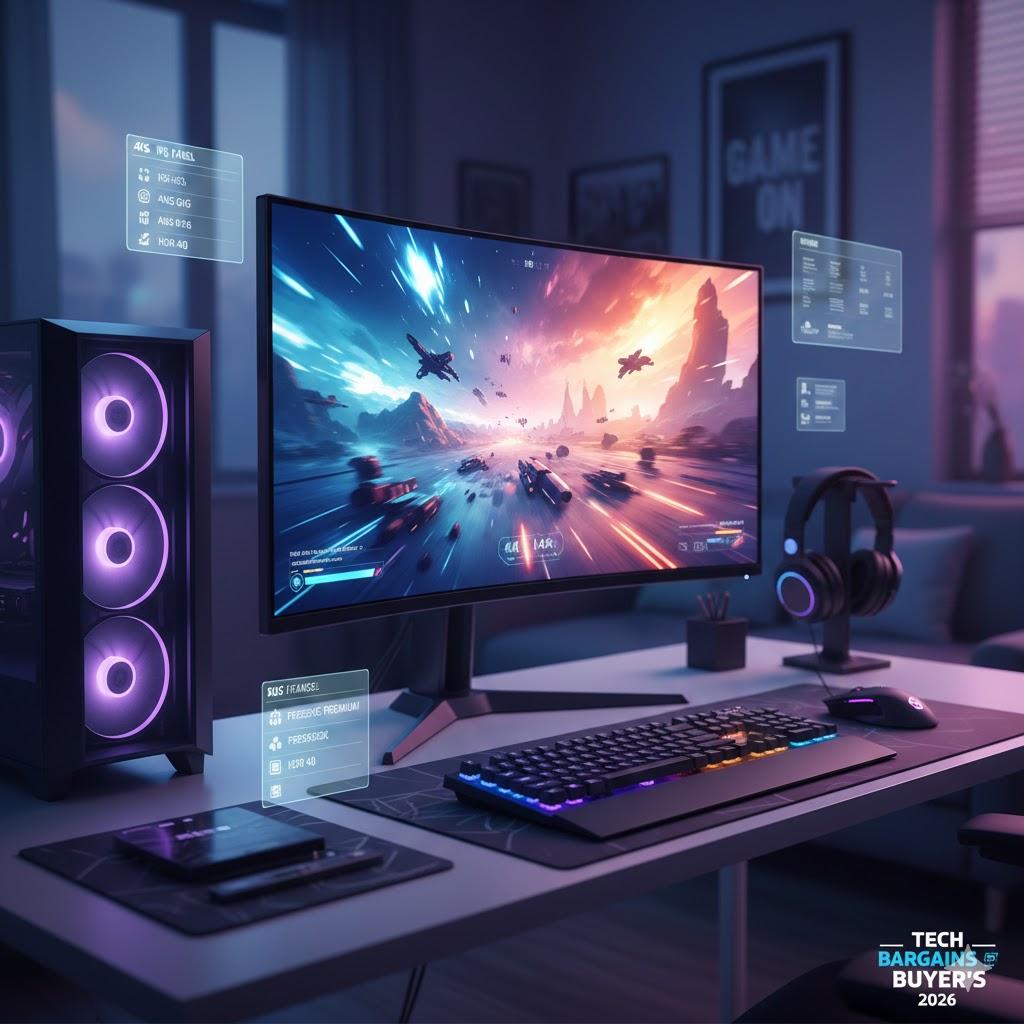
The dream of every serious gamer in 2026: a stunning 4K resolution, buttery-smooth 144Hz refresh rate, all without breaking the bank. For years, this combination felt like a luxury reserved for the elite, but as technology advances and competition heats up, the elusive "cheap" 4K 144Hz monitor is finally within reach. This guide will walk you through everything you need to know to snag the best value in 2026.
Why 4K 144Hz is the Sweet Spot
Before we dive into the nitty-gritty of budget hunting, let's quickly recap why this particular spec combination is so desirable:
-
4K Resolution (3840x2160): Delivers unparalleled visual fidelity, making games look incredibly sharp and immersive. Details pop, textures are crisp, and the world comes alive.
-
144Hz Refresh Rate: Ensures a super-smooth gaming experience with minimal motion blur. Every flick of the wrist, every fast-paced action, is rendered fluidly, giving you a competitive edge and a more enjoyable experience.
Together, they offer the ultimate balance of visual splendor and responsive performance.
The Landscape of 2026: What to Expect
By 2026, several factors have converged to make 4K 144Hz more accessible:
-
Maturing Panel Technology: IPS and VA panels have become more refined and efficient, leading to lower manufacturing costs.
-
Increased Competition: More brands are entering the high-refresh-rate 4K market, driving prices down.
-
Economies of Scale: As demand increases, production volumes rise, further reducing per-unit costs.
While we're talking "cheapest," remember that this is still a premium tier of display. Expect to find compelling options in the mid-to-high three-figure range, with occasional sales dipping even lower.
Key Factors to Consider When Budget Buying
Finding the best deal isn't just about the lowest price tag. You need to consider features that impact performance and longevity.
1. Panel Type: IPS vs. VA
-
IPS (In-Plane Switching): Generally offers superior color accuracy and wider viewing angles, making them excellent for vibrant visuals. Response times have significantly improved, often matching or even exceeding VA in some cases. Many budget 4K 144Hz options will lean towards IPS for its all-around appeal.
-
VA (Vertical Alignment): Known for deeper blacks and higher contrast ratios, offering a more immersive experience in dark scenes. However, viewing angles can be narrower, and older VA panels sometimes suffer from "black smearing." Modern VA panels have largely mitigated these issues, making them a strong contender.
Budget Tip: Don't dismiss VA panels outright. They can offer excellent value, especially if you prioritize contrast and primarily game directly in front of the screen.
2. Response Time (GtG)
Look for a Gray-to-Gray (GtG) response time of 4ms or lower. While 1ms GtG is often advertised, real-world performance can vary. Anything 4ms or below is generally excellent for competitive gaming at 144Hz.
3. Adaptive Sync Technology: G-Sync vs. FreeSync
These technologies synchronize your monitor's refresh rate with your GPU's frame rate, eliminating screen tearing and stuttering.
-
NVIDIA G-Sync: Historically proprietary and added a premium. By 2026, many "G-Sync Compatible" FreeSync monitors offer excellent performance with NVIDIA cards, blurring the lines.
-
AMD FreeSync: Open standard, widely adopted, and typically found on more budget-friendly displays.
Budget Tip: If you have an NVIDIA GPU, look for "G-Sync Compatible" FreeSync monitors. They often offer the same benefits at a lower cost than dedicated G-Sync modules.
4. HDR Support (High Dynamic Range)
HDR dramatically improves contrast and color vibrancy. By 2026, entry-level HDR (like DisplayHDR 400 or 600) is common even on cheaper monitors.
-
DisplayHDR 400: A basic level of HDR, offering a noticeable improvement over SDR, but not true HDR. Still a good bonus.
-
DisplayHDR 600+: Provides a more impactful HDR experience with brighter highlights and deeper shadows.
Budget Tip: While higher HDR tiers are better, DisplayHDR 400 is perfectly acceptable for budget options and still enhances the experience. Don't pay a huge premium for a very high HDR certification unless it's a top priority.
5. Connectivity
Ensure the monitor has at least DisplayPort 1.4 to support 4K 144Hz. HDMI 2.1 is also excellent for consoles and offers similar bandwidth. USB-C with DisplayPort Alt Mode can be a convenient bonus for laptops.
6. Ergonomics and Stand Quality
While often overlooked, a good stand with height, tilt, swivel, and pivot adjustments can significantly improve comfort. VESA mount compatibility is also a must if you plan to use an aftermarket arm. Budget monitors sometimes skimp here, but it's worth checking reviews.
Where to Hunt for Deals in 2026
-
Online Retailers: Amazon, Newegg, Best Buy (and their regional equivalents) will always be prime hunting grounds, especially during sales events.
-
Manufacturer Outlet Stores: Many brands have direct outlet sections on their websites where they sell refurbished or open-box units at a discount.
-
Second-Tier Brands: Brands that aren't household names but still produce quality panels can offer incredible value. Do your research and read reviews!
-
Sales Events: Black Friday, Cyber Monday, Prime Day, and other seasonal sales will be your best friend for snagging that elusive low price.
Top Tips for Budget Buyers
-
Read Reviews Religiously: Don't just look at the star rating. Dive into detailed reviews, especially from tech sites specializing in monitors, to understand real-world performance, ghosting, backlight bleed, and color accuracy.
-
Compare Specifications Carefully: A slightly cheaper monitor might have a lower refresh rate or an inferior panel. Make sure you're comparing apples to apples.
-
Check for Refurbished/Open Box: Often, these are perfectly good monitors returned by customers, rigorously tested, and sold at a significant discount.
-
Be Patient: Unless you need a monitor right now, waiting for a sale or a new model release can save you hundreds.
-
Don't Overspend on Unnecessary Features: Do you really need a built-in KVM switch or RGB lighting if it adds significantly to the cost? Focus on core performance.
The Verdict
By 2026, the dream of affordable 4K 144Hz gaming is a reality. While you'll still need a powerful GPU to drive it, the monitors themselves are becoming more accessible. By understanding the key specifications and knowing where to look, you can absolutely find a phenomenal display that delivers breathtaking visuals and fluid gameplay without emptying your wallet. Happy gaming!

 English (US)
 Arabic
 Spanish
 Portuguese
 Deutsch
 Turkish
 Dutch
Dutch
 Italiano
 Russian
 Romaian
 Portuguese (Brazil)
 Greek
Greek